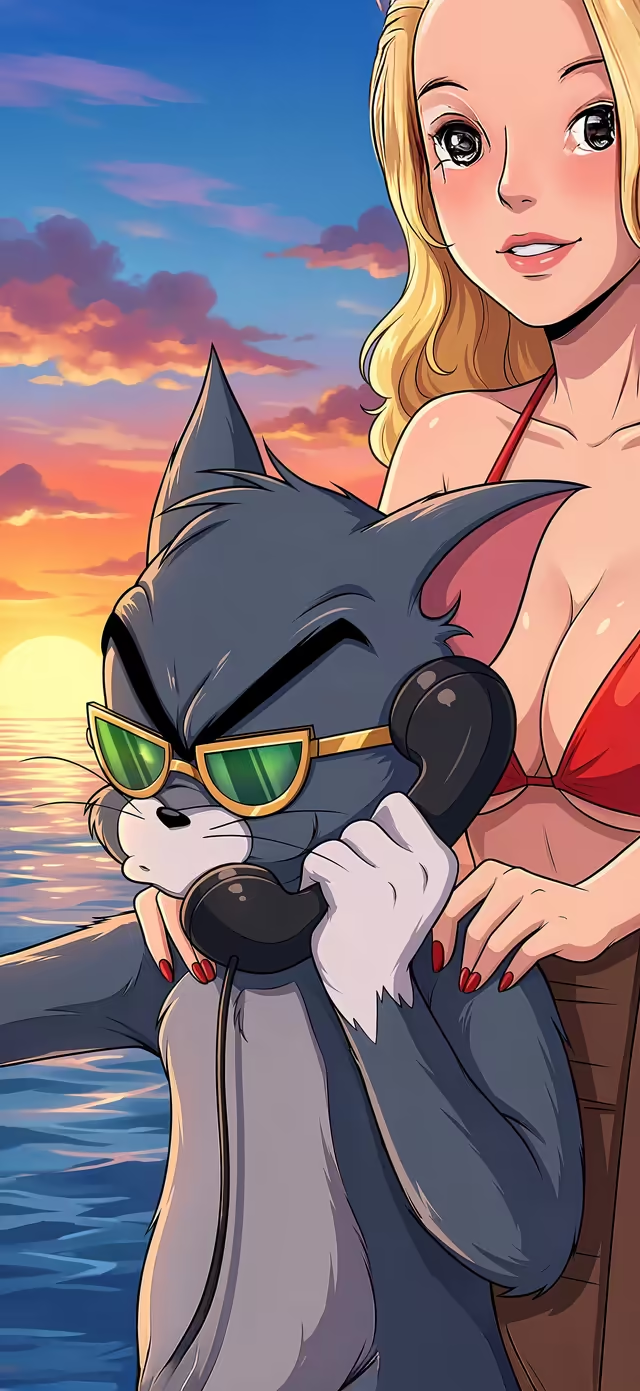
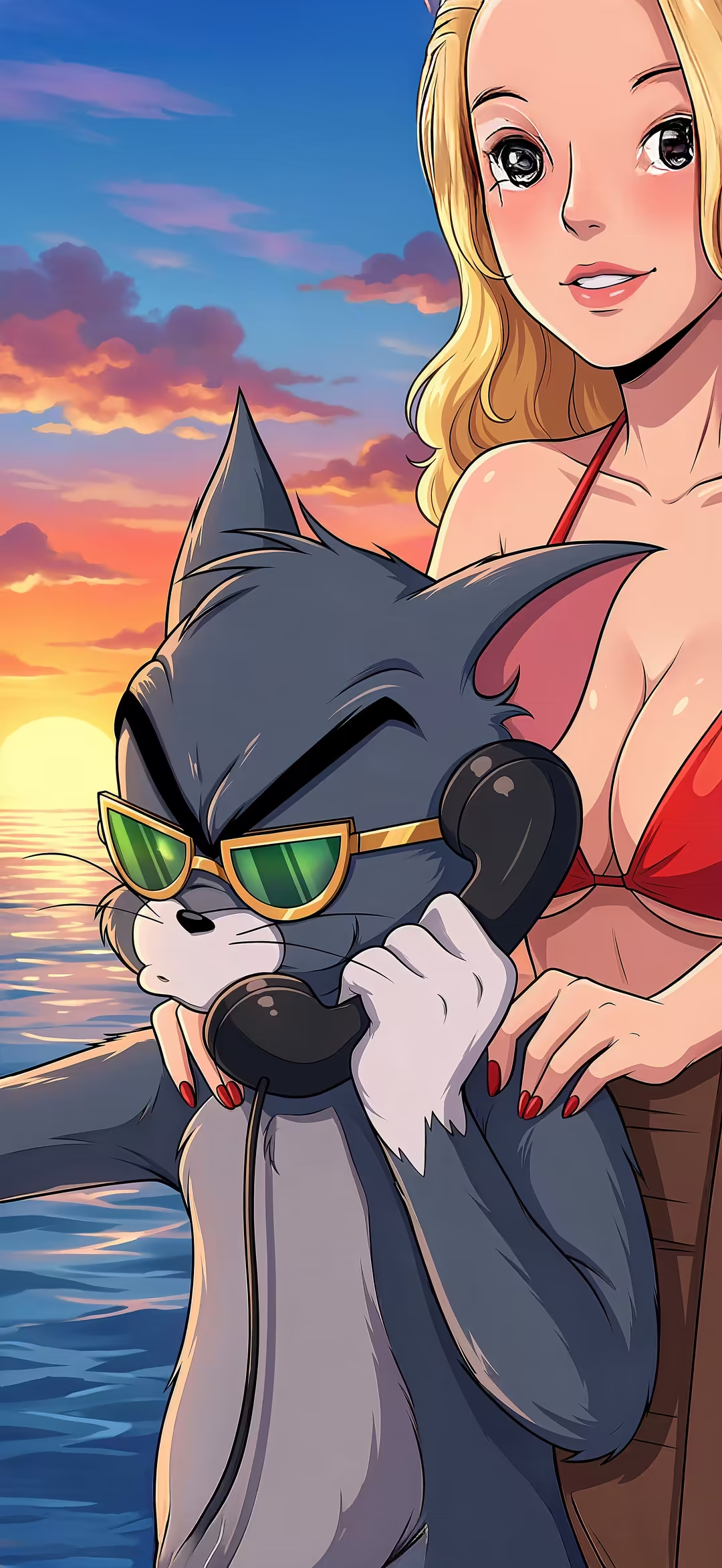
cool-anime-cat-sunglasses-retro-aesthetic-wallpaper — vertical cartoon 4K wallpaper

cool-anime-cat-sunglasses-retro-aesthetic-wallpaper

2352 × 5112·1.2 MB·0 downloads·Cartoon
0 downloads
Download size
Share

About this wallpaper

Cool-anime-cat-sunglasses-retro-aesthetic-wallpaper is a 4K mobile wallpaper crafted for smartphones, tablets, and lock screens. The image measures 2352×5112 pixels and is offered as a free, no-watermark download from Wallora. Filed under our cartoon collection, this background pairs well with other cartoon picks on Wallora. Available in true 4K (2352×5112) plus pre-scaled HD and QHD variants for fast loading on lower-bandwidth devices. Themes featured here include anime cat, cool cartoon cat, sunglasses aesthetic, retro anime, cute character, making it an ideal match if you're searching for anime cat backgrounds. Hit any of the resolution buttons above to grab the file straight from our CDN — no signup, no email, no ads on the file itself. If you enjoy this one, like it to bump it up the trending feed and explore the related picks below for more in the same style.

You might also like

9 similar wallpapers

Frequently asked questions

Is the "cool-anime-cat-sunglasses-retro-aesthetic-wallpaper" wallpaper free to download?

Yes, every wallpaper on Wallora is 100% free to download. No signup, no email, no account required, no paid tier. Tap any wallpaper, choose a resolution, and the file downloads straight from our CDN.

What's the resolution and file size?

The "cool-anime-cat-sunglasses-retro-aesthetic-wallpaper" wallpaper is available at 2352×5112 pixels (portrait (mobile) orientation) in JPG format. The full-resolution file is approximately 1.2 MB. We also generate scaled-down variants on the fly for faster downloads.

What devices is this wallpaper good for?

This wallpaper is sized for phone screens — perfect for iPhone, Android, and tablets in portrait orientation.

How do I set this as my wallpaper?

On iPhone: open the wallpaper page, tap the download button, then open the Photos app and choose 'Use as Wallpaper' from the share menu. On Android: download the wallpaper, then open Settings → Wallpaper (or long-press your home screen) and pick the downloaded image. On Windows: right-click the downloaded file and choose 'Set as desktop background'. On macOS: open the image in Preview and choose File → Set Desktop Picture.

Can I use this wallpaper commercially?

Wallora wallpapers are released for free personal and creative use. You can use them as your phone wallpaper, desktop background, video-call backdrop, or in personal projects without attribution.